
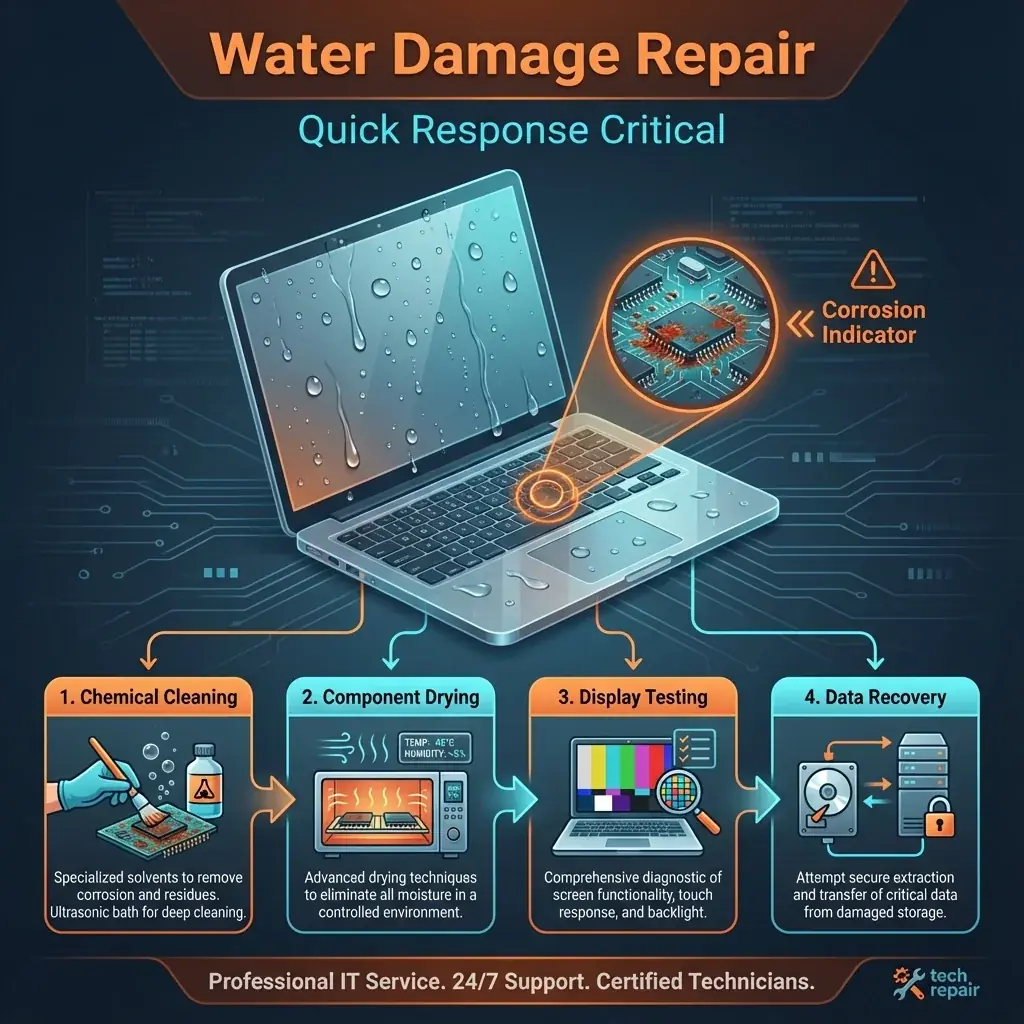
Coffee spills happen in slow motion. You watch the cup tip over, the liquid hit the keyboard, and panic sets in. Liquid damage is the deadliest killer of laptops because it causes instant short circuits and long-term corrosion (rust).
At banwow.com, we have a high success rate in recovering water-damaged laptops, but your actions in the first 5 minutes matter most.
EMERGENCY STEPS
- Turn it OFF: immediately. Do not save your work. Hold the power button for 10 seconds.
- Unplug Power: Remove the charging cable instantly.
- Flip it Over: Turn the laptop upside down (keyboard facing floor) to stop liquid from reaching the motherboard.
- Do NOT use Rice: Rice is a myth. It traps starch dust inside and doesn't dry the internal components fast enough.
Screen Water Damage
If water got inside the screen layers, you might see "clouds" or bright spots.
- Clouding: Uneven white patches where the diffuser sheets are wet.
- Corrosion: If liquid reached the bottom PCB of the screen, it will fail completely soon.
Our Repair Process
We use industrial ultrasonic cleaners:
- Chemical Wash: We disassemble the motherboard and wash it with specialized isopropyl alcohol to remove sticky residue (sugar from coffee/soda).
- Corrosion Removal: We scrub away the green rust that eats copper traces.
- Component Replacement: We replace burnt capacitors and power ICs.