
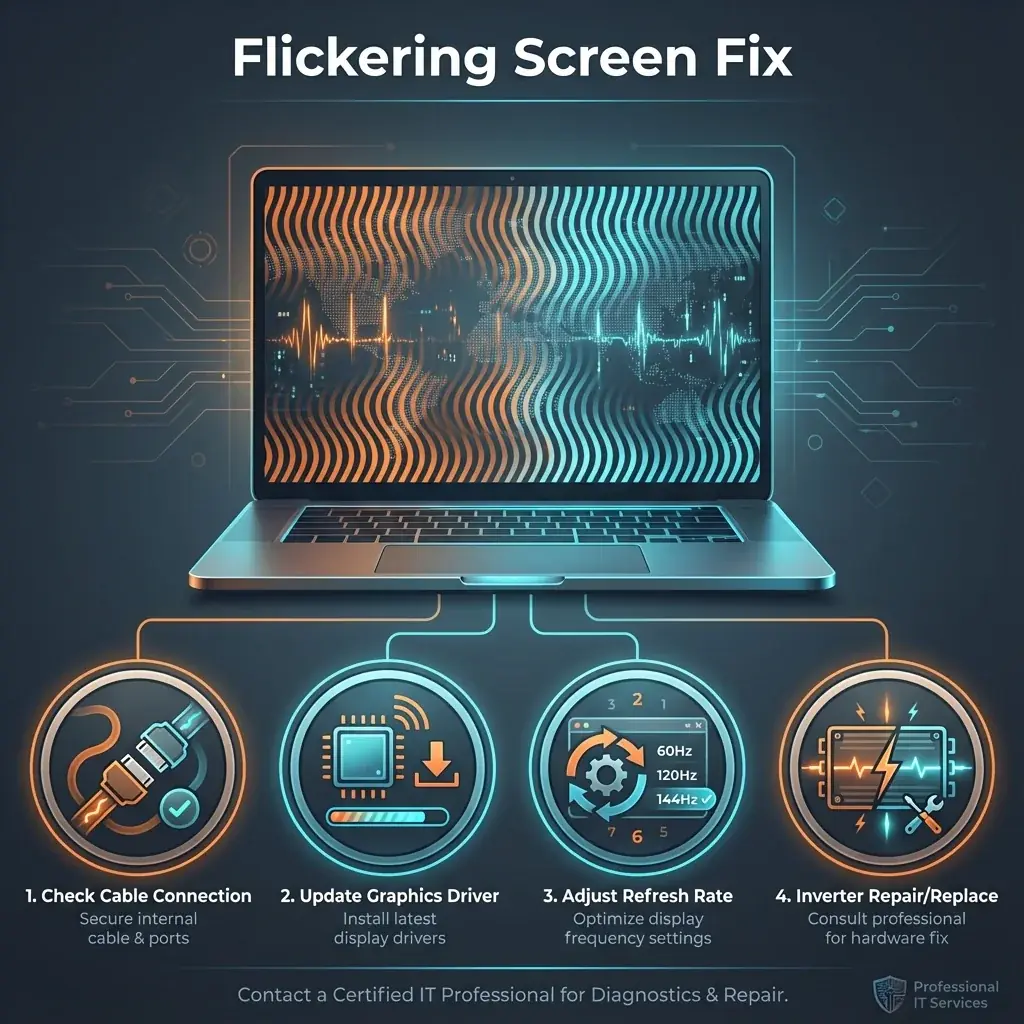
Is your screen flashing like a disco light? Screen flickering is incredibly annoying and can cause severe headaches and eye strain. Whether it's a subtle specific brightness tremor or a full-blown ON/OFF flash, it needs to be fixed.
At banwow.com, we pinpoint whether this is a cheap cable fix or an expensive screen replacement.
Common Symptoms
- Position Sensitive: The screen flickers only when you move the laptop lid or hold it at a certain angle.
- Brightness Dependent: It stays stable at 100% brightness but flickers at lower settings.
- Task Manager Test: If you open Task Manager and the app flickers but the rest of the screen doesn't, it might be a software issue.
Top Causes
- Loose Display Cable (LvDS/eDP): The specialized cable connecting your motherboard to the screen passes through the hinge. It wears out over time.
- Graphics Drivers: Outdated or corrupted video drivers can cause display instability.
- Inverter Failure: On older laptops, the inverter board that powers the backlight can fail.
- Faulty Screen Panel: The LED backlight strip inside the screen itself is dying.
Quick DIY Test
Boot into BIOS: Restart your computer and repeatedly press F2 (or Del/F10). If the screen flickers even in the BIOS menu, it is definitely a HARDWARE issue. If it's stable in BIOS but flickers in Windows, it's a DRIVER issue.
How We Fix It
- Cable Repair/Replacement: If the issue is the hinge cable, we replace it. This is significantly cheaper than a new screen.
- Driver Optimization: We use DDU (Display Driver Uninstaller) to perform a clean install of the correct graphics drivers.
- Panel Replacement: If the screen hardware is at fault, we install a brand new original panel.