
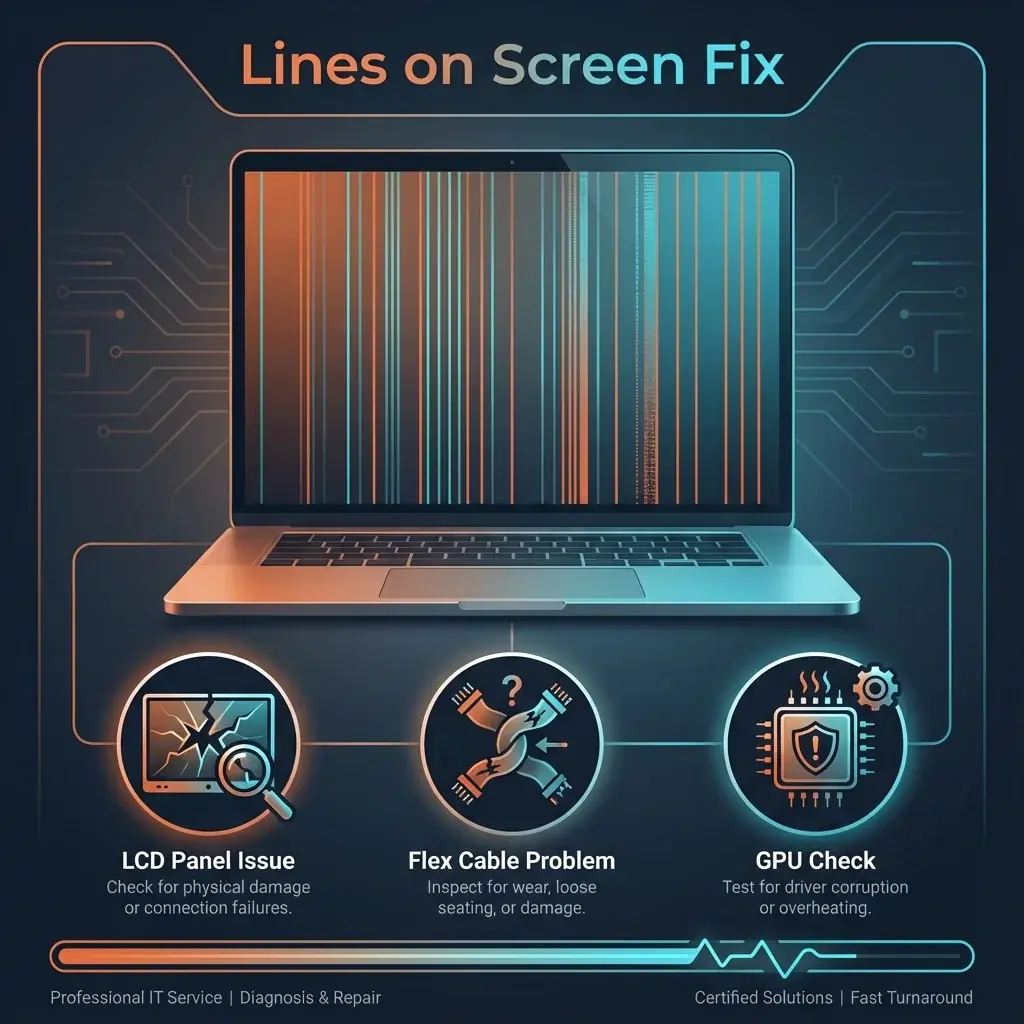
A single pink vertical line appears. Then a green one. Soon, half your screen is a barcode. Lines on the display are a sure sign of a connection failure, but where that failure is matters for the cost of repair.
At banwow.com, we check connections before condemning the screen to save you money.
Types of Lines
- Vertical Lines: Typically a T-Con board failure inside the screen panel. Needs screen replacement.
- Horizontal Lines: Often a graphics memory issue or cable issue.
- Moving Lines: Lines that shimmer or move when you touch the laptop indicate a loose cable.
The Squeeze Test
Gently squeeze the bezel at the top or bottom of the screen where the lines originate. If the lines change, disappear, or multiply, the issue is the ribbon bonding tab inside the screen. This confirms you need a new screen.
Causes
- Pressure Damage: Carrying the laptop in a tight bag often presses keys into the screen, damaging the delicate pixel columns.
- Cable Wear: Opening/closing the lid thousands of times wears out the LvDS cable.
- GPU Failure: If lines appear on BOTH your laptop screen AND an external monitor (TV/HDMI), your Graphics Card is dying.
How We Fix It
- Screen Replacement: For permanent vertical/horizontal lines, we replace the LCD panel.
- Cable Replacement: For flickering lines that react to movement, we replace the hinge cable.
- Board Repair: If it's a GPU issue, we offer chip-level reflow or reballing services.