
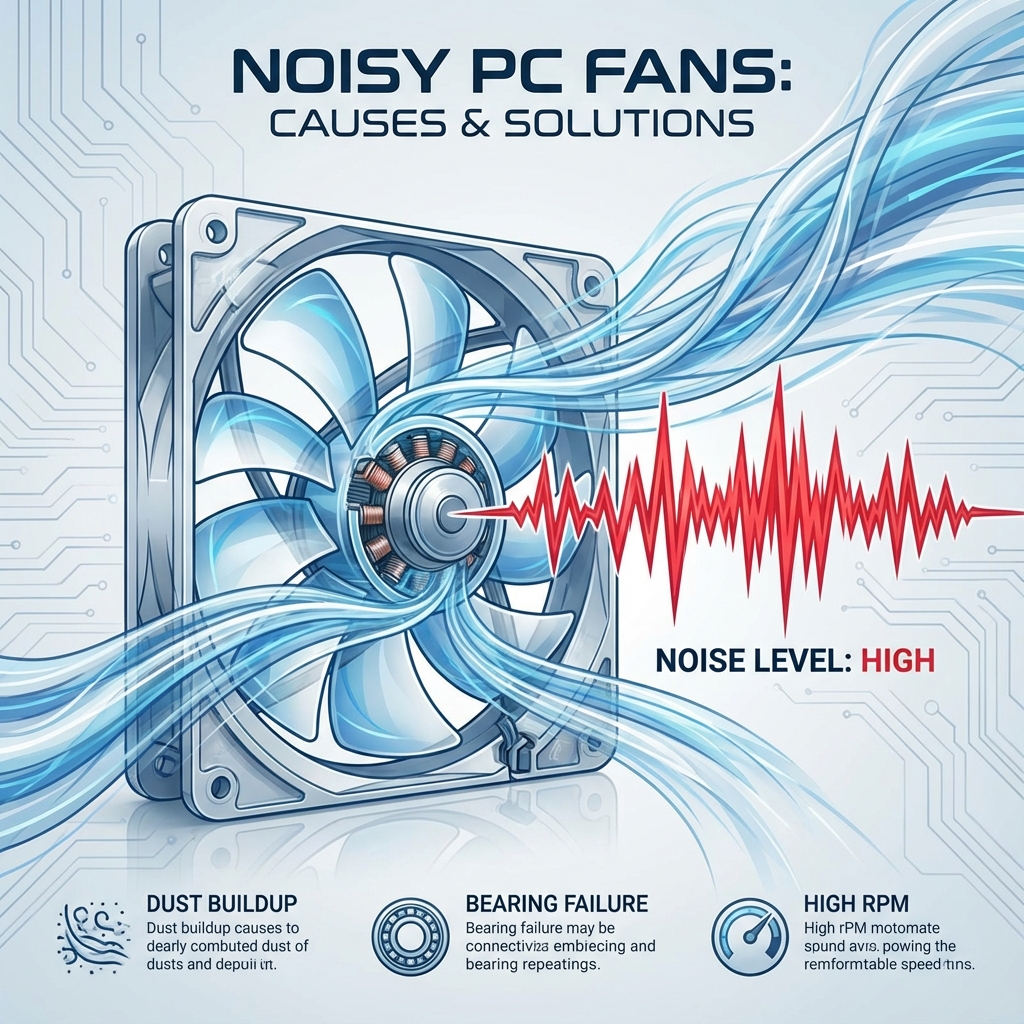
Silence is golden. If your computer sounds like a jet engine taking off, it's crying for help. A noisy fan is the #1 indicator that your system is overheating or that the cooling mechanism is failing.
At banwow.com, we perform comprehensive thermal services to restore silence and prevent permanent hardware damage.
Why is it making noise?
- Dust Buildup: Over months, dust clogs the heatsink fins, blocking airflow. The fan has to spin at 100% speed to try and cool the CPU.
- Dried Thermal Paste: The paste that transfers heat from the processor to the cooler dries up after 2-3 years, losing effectiveness.
- Bearing Failure: If you hear a grinding or rattling sound, the fan's physical bearing is broken.
Danger of Overheating
Heat is the enemy of electronics. If a CPU gets too hot (over 90°C), it can permanently warp or burn out. Graphics cards are especially vulnerable to heat death.
Our Thermal Service
We don't just "blow some air" into the vents. We perform a deep clean:
- Disassembly: We open the laptop/PC casing to access the cooling module.
- Deep Cleaning: We use compressed air and anti-static brushes to remove every speck of dust.
- Thermal Paste Replacement: We remove the old, crusty paste and apply high-performance paste (like Arctic MX-4).
- Fan Lubrication/Replacement: If the fan is serviceable, we lubricate it. If broken, we replace it with a new original part.
Annual Maintenance
We recommend a thermal cleaning service once every year, especially in dusty environments like ours. It extends the life of your laptop by years.