
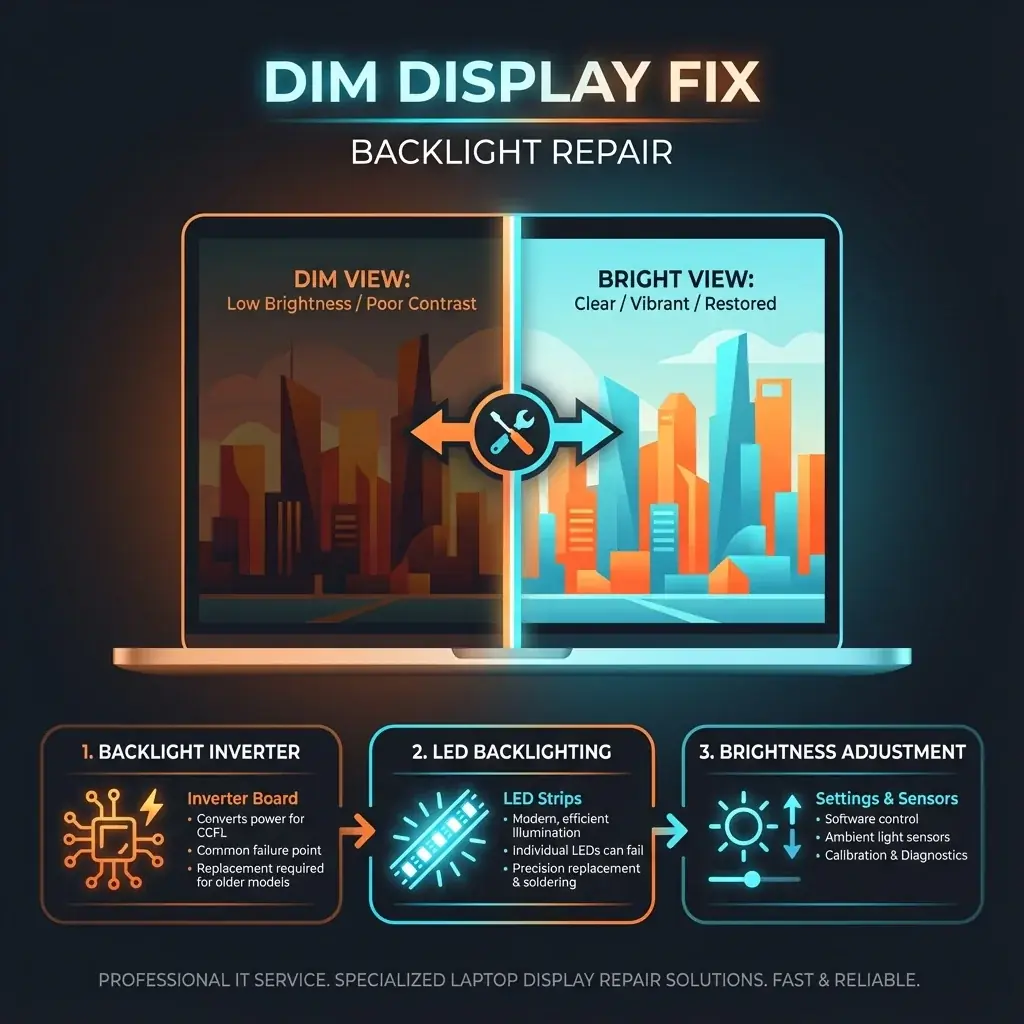
You can see the image, but it's like looking into a dark room. You have to shine a flashlight on the screen just to read your emails. This is a classic "Backlight Failure". The LCD is creating the image, but the light behind it has gone out.
At banwow.com, we fix hundreds of dim display issues. It's often a board-level repair rather than a screen replacement.
Why does this happen?
- Backlight Fuse (Motherboard): This is the most common cause. A tiny fuse on the motherboard blows to protect the system from a surge. Fixing this requires micro-soldering.
- LED Strip Failure: The actual light strip inside the screen panel has burnt out.
- Cable Pinching: The cable carrying power to the screen is damaged near the hinge.
Flashlight Test
How to Confirm: Turn on your laptop. Shine your phone's flashlight onto the center of the dark screen. If you can faintly see your desktop icons or the windows logo, your LCD is fine—it's just the backlight that is dead.
Repair Options
- Board Repair: If it's the fuse or backlight circuit, we repair the motherboard. This saves you the cost of a new screen.
- Screen Replacement: If the LED strip inside the panel is dead, modern screens are sealed units, so we replace the whole panel.
Don't Attempt DIY
Backlight circuits carry higher voltage. Trying to bridge a fuse with a wire can send high voltage straight to your main processor (CPU), killing the laptop instantly.