
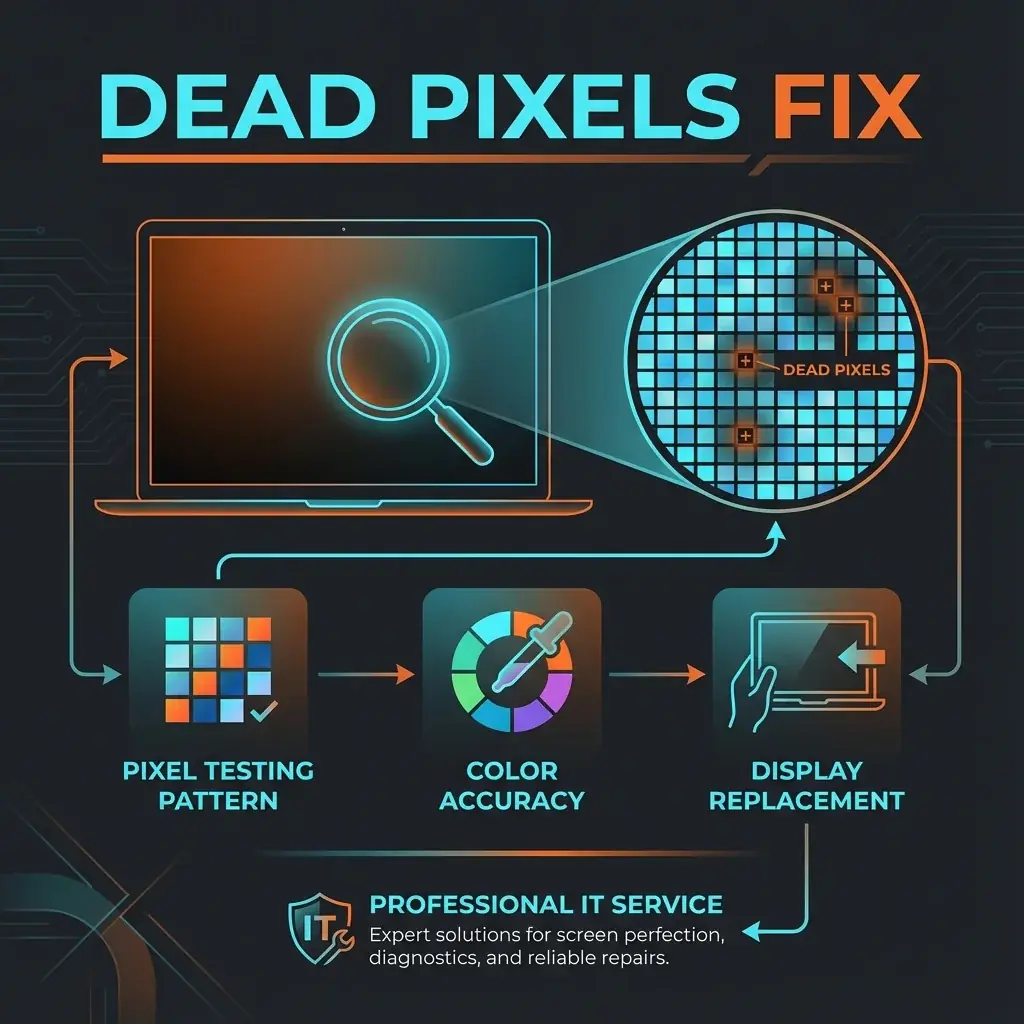
Once you see it, you can't unsee it. That tiny black dot or bright red speck on your beautiful screen is a Dead or Stuck Pixel. It's a manufacturing defect or a sign of age, and it can be incredibly distracting for designers and gamers.
At banwow.com, we understand pixel perfection. Here is everything you need to know about dots on your screen.
Dead vs. Stuck Pixels
- Dead Pixel: A pixel that receives no power. It usually appears as a black dot on a white background. These are nearly impossible to fix without replacing the screen.
- Stuck Pixel: A pixel stuck on one color (Red, Green, or Blue). These can sometimes be unstuck with software or gentle pressure.
- Hot Pixel: A pixel that is always white (maximally lit).
DIY Trick (For Stuck Pixels Only)
JScreenFix: There are websites that flash colors rapidly over the stuck area to "wake up" the pixel. It works about 60% of the time for stuck pixels, but 0% for dead (black) ones.
When to Replace the Screen?
Most manufacturers have a "tolerance" policy allowing 3-5 dead pixels before they replace a monitor under warranty. However, fixing it out of warranty depends on your tolerance:
- Spreading: If you see more dots appearing over time, the panel is failing. Replace it.
- Cluster: A group of dead pixels is very noticeable and ruins readability.
The Banwow Guarantee
When you buy a replacement screen from us, we offer a Zero Dead Pixel Policy. We check every screen before installation. If you find even one dead pixel within the warranty period, we replace it. No questions asked.