
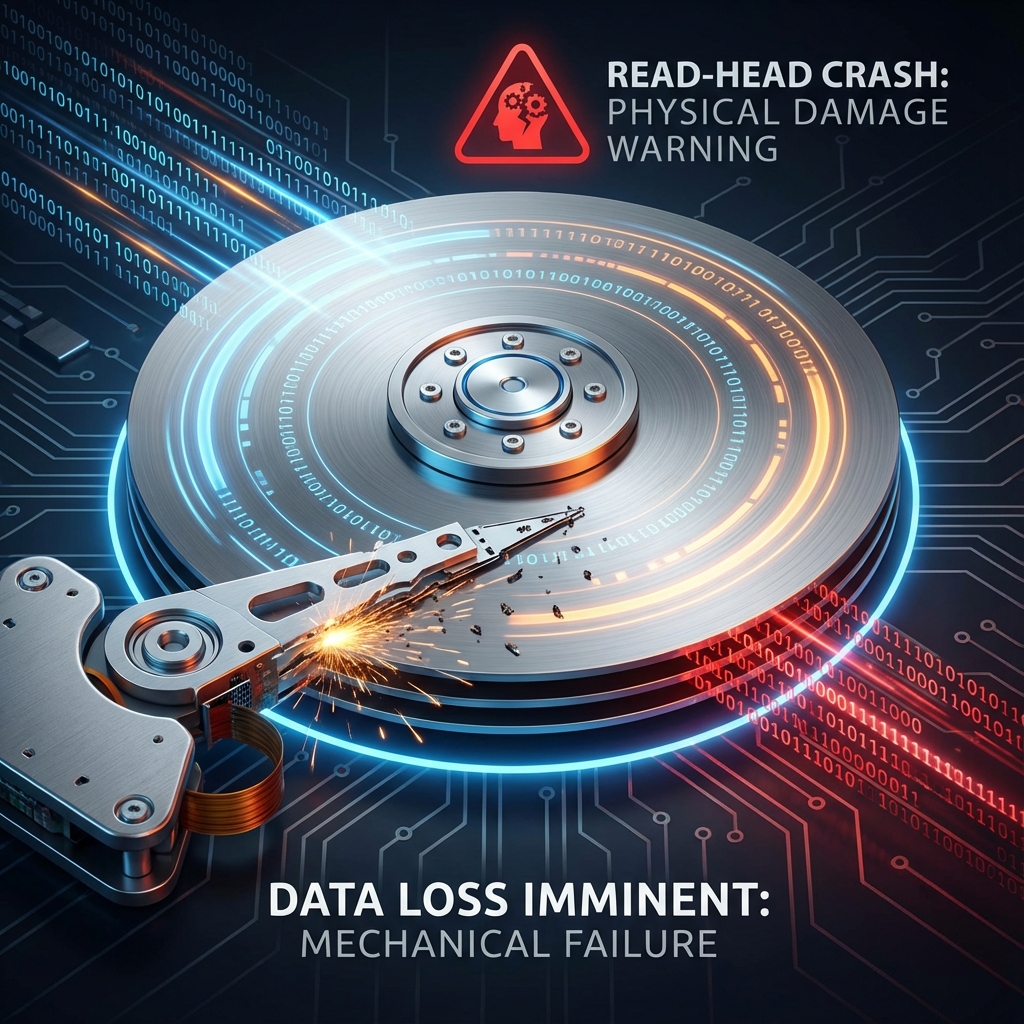
The dreaded "Click of Death". You plug in your external hard drive, wait for it to show up, but instead, you hear a rhythmic clicking sound, and... nothing. Your wedding photos, baby videos, and work documents feel instantly lost.
Stop! Do not try to open it. At banwow.com, we have specialized Clean Room tools to recover data from dead drives.
Symptoms of Failure
- Clicking/Grinding Noise: A mechanical failure where the read/write head is hitting the platter.
- Not Detected: The drive spins up but doesn't appear in "My Computer".
- Slow Access: Opening folders freezes the computer completely.
- Beeping: The motor is stuck (stiction) and cannot spin the platters.
CRITICAL WARNING
If your hard drive is making noise, UNPLUG IT IMMEDIATELY. Every second it spins, the broken head scratches the platter, permanently destroying your data. Data recovery software cannot fix physical damage!
Our Recovery Process
- Evaluation: We diagnose if it's a Logic Board (PCB) failure or internal Mechanical failure.
- Donor Part Swap: We use precise donor parts to replace broken read/write heads.
- Cloning: We create a sector-by-sector image of the drive to work safely.
- Extraction: We rebuild the file system and extract your data to a new healthy drive.
No Data, No Charge
We work on a strict policy. If we cannot recover your specific critical files, you don't pay for the recovery service.