
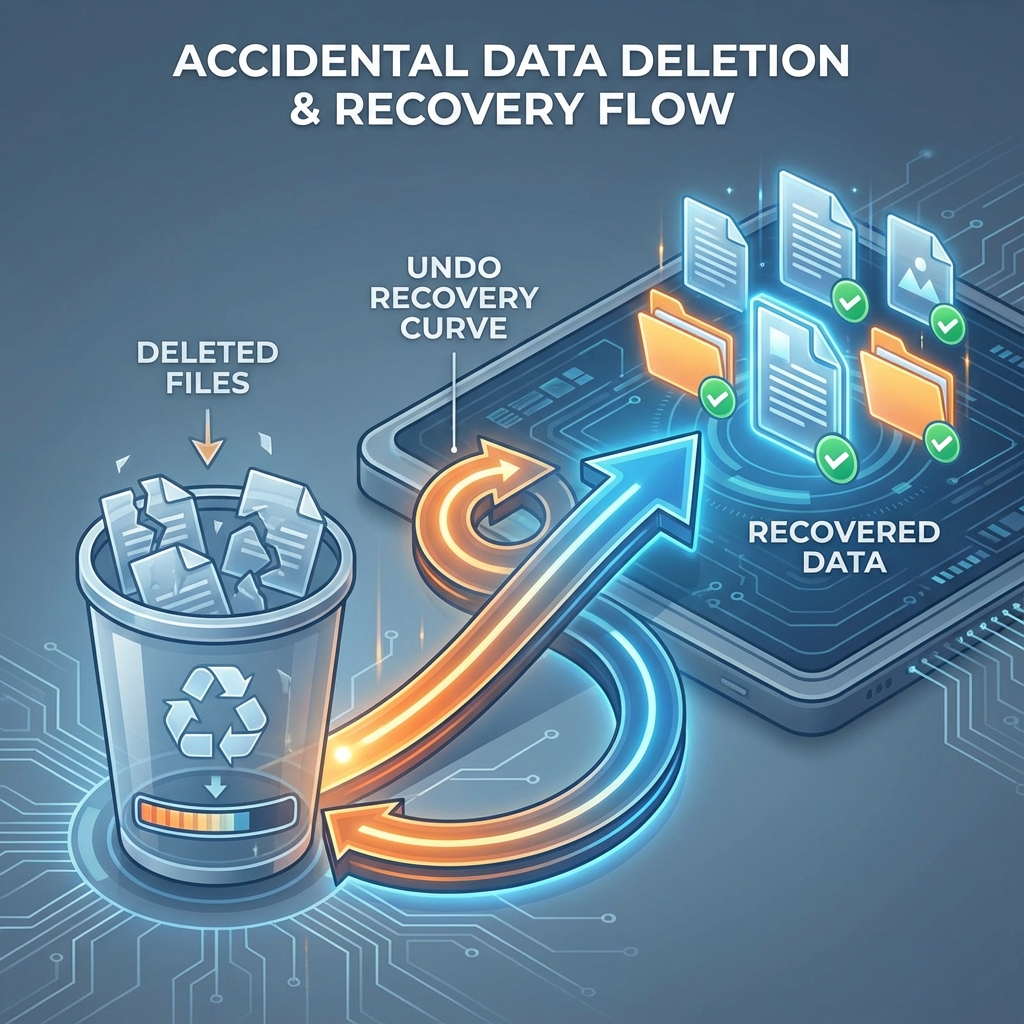
Oops. You hit "Shift + Delete" instead of just "Delete". Or you formatted the wrong drive partition. Now your important project folder is gone.
Here is a secret: When you delete a file, Windows doesn't actually erase it. It just marks that space as "Available to be written over." The data sits there, ghost-like, until something new overwrites it.
STOP WRITING!
Stop using the computer immediately. Do not install new software. Do not download files. If you save new data, you might overwrite the ghost of your old file, destroying it forever.
What We Can Recover
- Documents: Word, Excel, PDF, PowerPoint.
- Media: Photos (JPG, PNG), Videos (MP4, MOV), Audio.
- Archives: ZIP, RAR files.
- Emails: Outlook PST files.
DIY Software vs Professional Service
Free Software (Recuva, etc): Good for simple recoveries if you catch it instantly. But often, they recover files with weird names (FILE001.jpg) or corrupted headers.
Professional Service: We use sector-level scanning to reconstruct the original folder structure and filenames. We can dig deeper than consumer software.
Time Sensitivity
The sooner you act, the higher the chance of 100% recovery. If you continue using the drive for a week, the chances drop to nearing zero.