
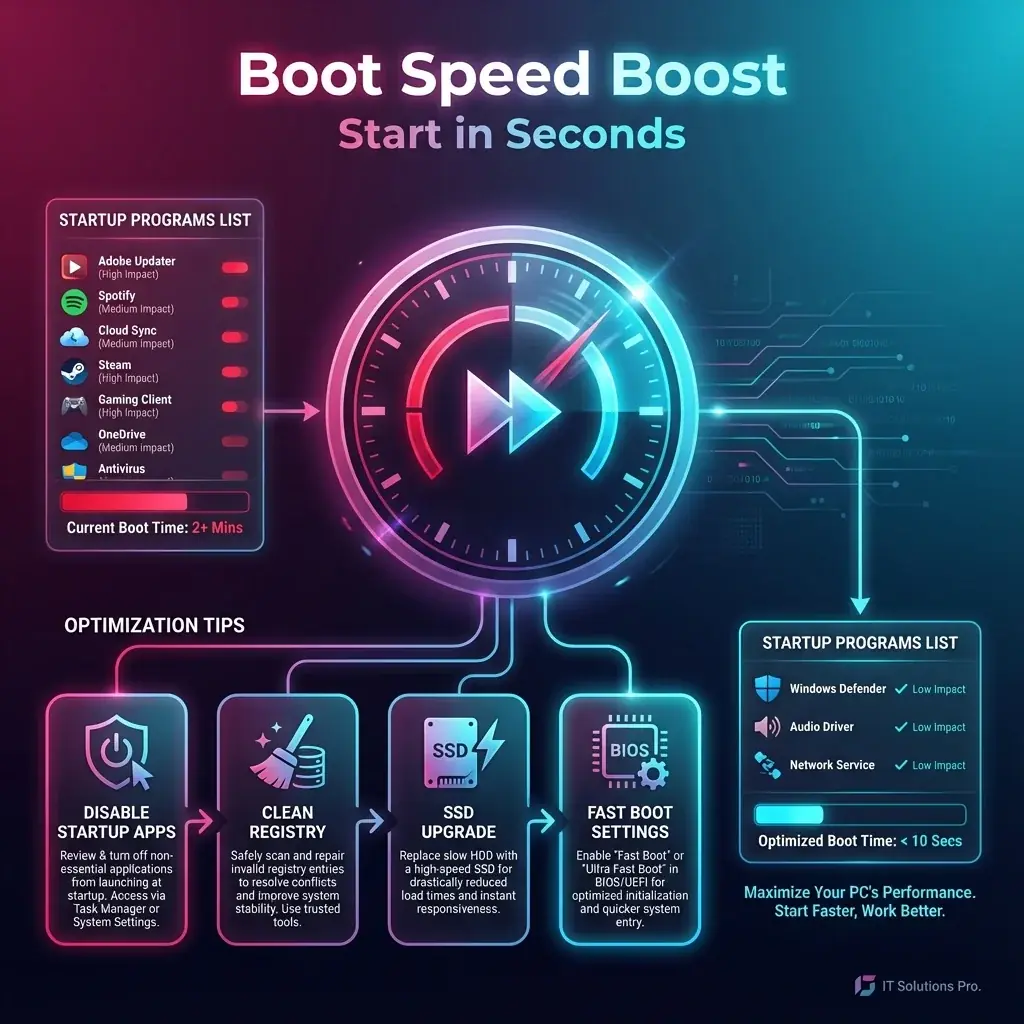
There is a reason "restart your computer" is the #1 tech advice. A clean boot clears out temporary errors. But if your restart takes 5 minutes, you'll never want to do it. A slow boot is usually caused by too many programs fighting to start at the same time.
banwow.com's Speed Boost service strips away the fat and leaves you with a lean, mean computing machine.
Why is it Slow?
- Startup Apps: Spotify, Skype, Steam, Discord, and Adobe updater all launch when you press the power button.
- Fragmented Drive: On older HDDs, files are scattered physically across the disk, taking longer to read.
- BIOS Settings: "Fast Boot" might be disabled in your motherboard settings.
DIY Tip
Open Task Manager (Ctrl + Shift + Esc), go to the Startup tab, and disable everything with "High" impact that you don't use immediately (like Cortana or OneDrive).
Our Optimization Service
- Bloatware Removal: We uninstall the useless 14-day trial software that came with your laptop.
- Service Tuning: We disable background Windows services (like Fax support) that 99% of people never use.
- Registry Defrag: We compact the Windows Registry so the OS can find settings faster.