
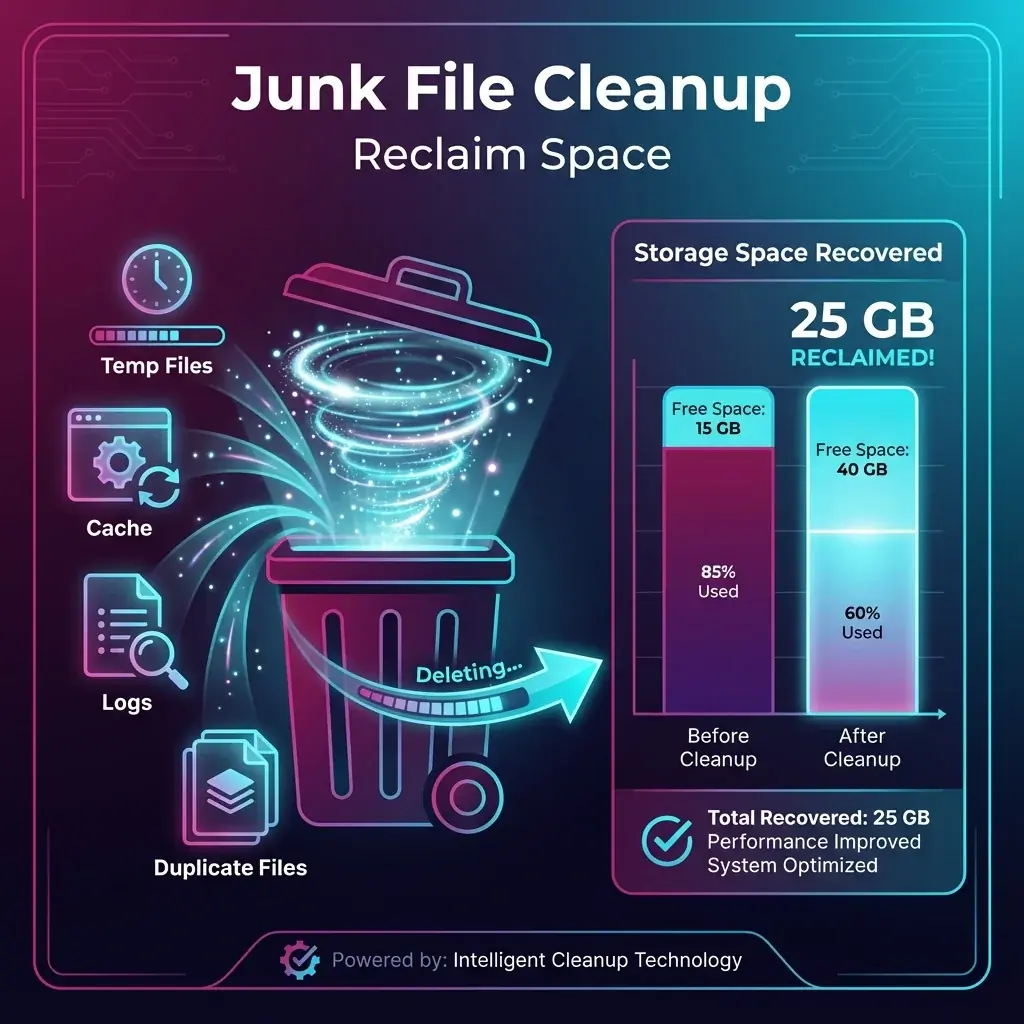
You have 500GB, but somehow only 2GB is free. You've deleted your large videos, but the space is still missing. This is "Digital Rot"—hidden temporary files that accumulate over years.
banwow.com performs a deep cleaning that goes far beyond emptying the Recycle Bin.
Where is the waste hiding?
- Windows Update Cache: Windows keeps copies of every old update "just in case", often eating up 20GB+.
- Browser Cache: Chrome and Edge save images from every website you visit to load them faster next time.
- Temp Folders: Software installers extract files to a Temp folder and often forget to delete them.
- Shadow Copies: System Restore points that take up massive space.
Why Free Space Matters?
If your C Drive is red (almost full), your computer slows down drastically. Windows needs at least 10% free space to create "Swap Files" (virtual memory).
Our Cleaning Process
We use manual and automated tools to:
- Flush DNA Cache: Resets your internet connection settings.
- Clear Event Logs: Removes megabytes of text logs.
- Compact OS: A new Windows 10/11 feature that compresses system files to save space without losing performance.